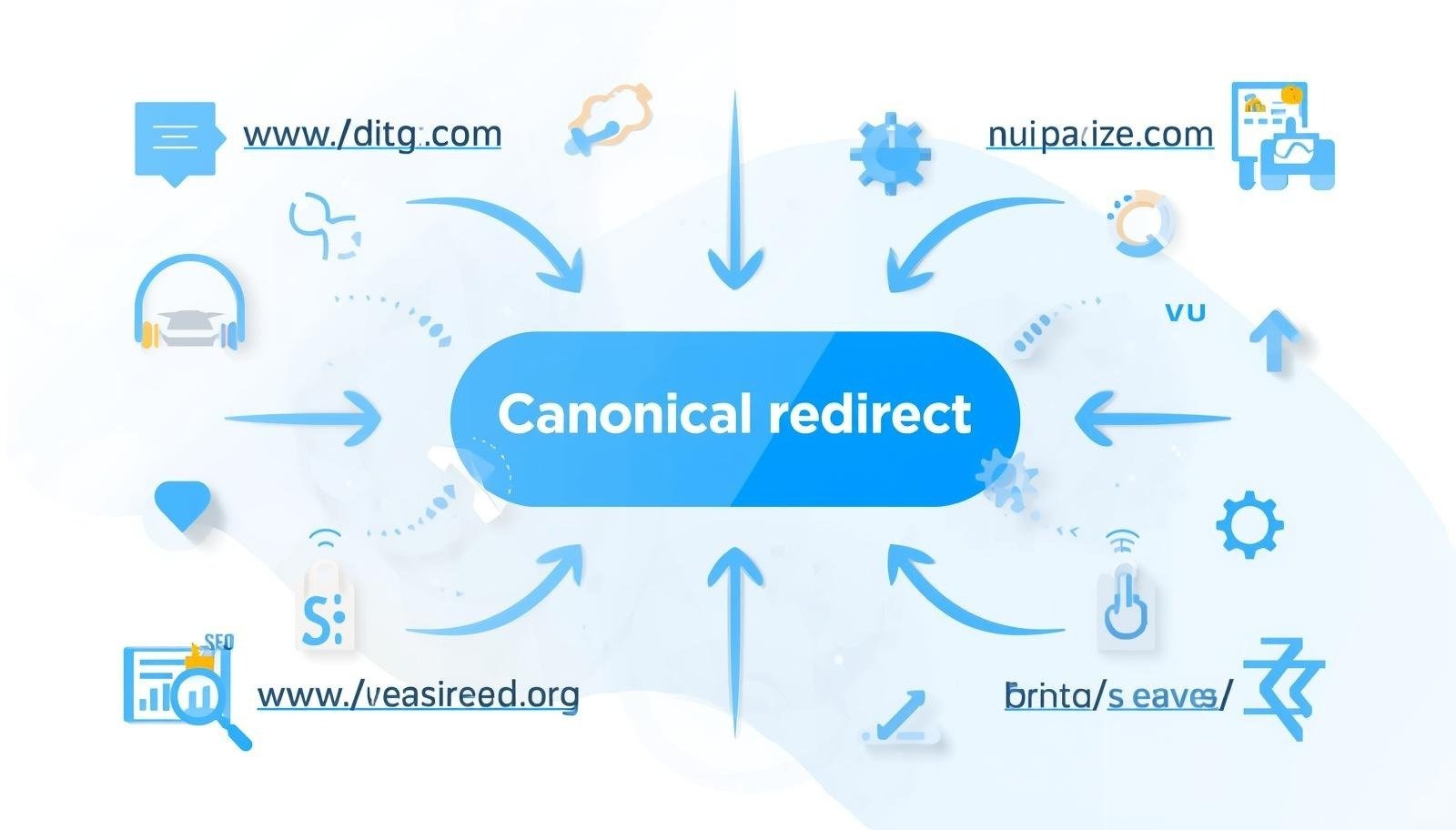
Canonical Redirect problems could be the reason why your website does not rank well on Google. Search engines are confused by duplicate URLs, incorrect redirects or incorrect canonical tags.
When Google cannot determine which page is your main page, you will see a drop in rankings. The traffic is also split between multiple URLs. Canonical Redirect issues are very important.
What is a Canonical redirect?

In SEO, a Canonical Redirect does not have an official technical name.
Use canonical tags and redirects to tell Google the URL of the main version.
Simple explanation:
- Canonical tag – tells Google your preferred URL
- Redirect (301): Sends bots and users to another URL
Both are useful when used properly.
- Avoid duplicate content
- Search engine optimization rankings
- Spend less on crawling
What Are Canonical Points to Redirect?
This question is: When should you use redirect vs canonical?
Use Canonical When You:
- Similar pages exist (like filters, parameters)
- You want your users to stay on page
- The URLs may be slightly different, but the content is identical
Use Redirect when:
- Page has been permanently moved
- No need for old URL
- Duplicate pages can be merged.
What is a Canonical URL? (With Example)
A canonical link is the version of your page you want Google index.
Example:
These URLs are available:
Canonical URL: https://example.com/shoes
Add this to HTML:
How to Use Canonical Redirect for Better SEO

The right Canonical Redirect can help you clean up your site and make it easier to understand by Google. Many websites lose ranking simply because there are multiple URLs for the same page. Your SEO will improve when you fix this.
Understanding the Right Setup
It is best to use a Canonical Redirect when you decide on your main URL (preferred URL) and direct both users and search engine traffic there.
Select a preferred version
Select only one version for your website.
- HTTPS is better than HTTP
- Stick to WWW or Non-WWW
Example:
- Preferred: https://www.example.com
Add self-referencing canonical tags
Each page should be labelled as the main version.
Example:
Use 301 redirects where needed
Instead of keeping duplicate pages, redirect them to the main page if a particular page is no longer needed.
Practical Use Cases
For Blog Content
Use canonical to link to the main article if the same article appears in different URLs (tags or categories).
For eCommerce Websites
Many products have filters such as size or color. Multiple URLs are created by these filters. Canonical is the best way to link to your base product page.
For Tracking URLs
Links with UTM parameters should always link back to the URL clean using canonical.
Best Practices to Follow
Keep URLs clean
Avoid using long URLs that contain unnecessary parameters.
Stay Consistent
All of your internal links, canonical links, and sitemaps should point to the same URL.
Avoid Conflicts
Don’t send mixed messages (canonical URL says one thing, redirection sends you to another).
Canonical Redirect errors: How to fix them fast
Canonical redirect errors can damage your SEO invisibly. It’s good to know that many of these problems are easily fixed if you look out for them.
Common Errors to Check
The Canonical Pointing of the Wrong Page
Google might ignore your canonical tags if they point to a page that is unrelated or different.
Canonical URL for Broken URL (404).
This is a very serious problem. Ensure that your canonical links to a live page.
Multi-canonical tags
Search engines are confused by having more than one canonical tag on a webpage.
Redirect Loops
A page that redirects back and forth blocks crawling and creates a circle.
How to fix these errors
Step 1: Audit your website
Use tools such as:
- Google Search Console
- Screaming Frog
Find duplicate pages or canonical errors.
Step 2: Fix the Canonical Tags
Correct Implementation
Ensure that each page only has one canonical link pointing at the correct URL.
Remove the wrong tags
Remove any canonical tags that are duplicates or incorrect.
Step 3: Redirect Issues
Use Direct Redirects
Avoid chains like:
Page A – Page B – Page C
Instead:
Page A – page C
Use 301 redirects
Use permanent redirects to improve your SEO.
Step 4: Check the Fixing
Check Indexing
Google Search Console is a great way to check if your pages are correctly indexed.
Monitor Traffic
Look for changes in ranking and clicks.
What does Canonical Redirect mean in SEO?
Canonical Redirects is a term that is often used in SEO even though it’s not a technical term.
Simple Meaning
This is what it means:
Search engines are guided to the main version of your page by using canonical tags in conjunction with redirects.
Breaking It Down
Canonical Tag
Google will tell you which version of the page is original.
Redirect
Users and bots can be moved from one URL to another.
Why it Matters
If you don’t have a canonical setup, your code will not work.
- Google could index the wrong page
- Ranking signals get split
- Increased duplicate content problems
When used properly:
- SEO gets stronger
- Content gets better visibility
- Improved crawling efficiency
Real Example
You have:
- /page
- /page?ref=ad
Canonical:
This will tell Google which version of the page to rank.
How Canonical Redirect Helps Avoid Duplicate Content
The most common SEO problem is duplicate content. This problem can be solved by using a Canonical Redirect, which tells Google what page to prioritize.
Why duplicate content happens
- URL Parameters
- Session IDs
- Print-friendly Pages
- HTTPS vs. HTTP
Can Canonical fix this issue?
Click to go back to main URL
Search engines use Canonical tags to direct them back to the original pages.
Consolidating Ranking Signals
Instead of splitting the URL, all backlinks and authority are sent to one URL.
Smart Implementation Strategies
Use Canonical for similar pages
Use Canonical if pages are similar but slightly different.
Redirect Exact Duplicates
Redirect pages that are the same and no longer needed.
Example Scenario
Problems with this?
Online stores have:
- /shoes
- /shoes?color=black
- /shoes?size=10
You can also find out more about the solution by clicking here.
Canonical Setup
All variations point out:
/shoes
Results
- Clean indexing
- Improve your ranking
- No duplicate content confusion
More Tips to Improve Results
Keep internal links consistent
Link to the canonical address.
Sitemap Optimization
Only include canonical URLs when creating your sitemap.
Regular Monitoring
Over time, check for duplicate URLs.
What is a Canonical example?
Here’s a real life example:
Problem:
You can find your blog at:
- /blog/seo-tips
- /blog/seo-tips/
- /blog/seo-tips?utm=facebook
Solution:
- Set canonical to: – /blog/seo tips
- Redirect other versions to the main URL
This eliminates confusion and improves rankings.
Why Canonical Redirect Issues Happen
Canonical Redirect is a problem that many websites have due to small errors.
Common Causes
- The same content can be found in multiple URLs
- Canonical tag is wrong
- Redirect chains
- HTTP vs. HTTPS Versions
- WWW vs non-WWW conflict
- Filters and pagination
Signs of Canonical Redirect Problems
If you notice:
- Pages not indexing
- Warnings about duplicate content
- Low Rankings
- Traffic Drop
- Google indexing the wrong URL
Tool like:
- Google Search Console
- Screaming Frog
- Ahrefs / SEMrush
can help identify problems.
Types of Canonical Redirect Issues
1. Canonical Links to Non-Existing Pages
Google ignores your canonical tag if it points to a broken webpage.
2. Canonical + Redirect conflict
Canonical uses one URL but redirects you to another.
3. Multi-canonical tags
Search engines are confused by having more than one canonical tag.
4. Redirect Chains
The crawling speed is slowed by too many redirects.
5. Self-Referencing Issues
Self-canonical tags missing or incorrect.
How to fix Canonical Redirect issues (Step by Step)
Step 1: Select Your preferred URL
Decide:
- Use HTTPS instead of HTTP
- Choose between WWW and non-WWW
Step 2: Use Proper 301 Redirects
All variations should be redirected to the main URL.
Example:
- http://www
- Non-www – www
Step 3: Add the correct Canonical Tags
The following should be on each page:
Step 4: Remove duplicate content
Remove or merge duplicate pages.
Options:
- Redirect duplicate pages
- Use the canonical tag
- Add noindex (if necessary)
Step 5: Avoid Redirect Loops
Bad Example
Page A – page B – page A
Fix:
Use direct redirect:
Page A – page B
Step 6: Audit your website
Use the following tools to scan:
- Broken links
Canonical vs Redirect (Quick Table)
| Feature | Canonical | Redirect |
| Purpose | Tell Google main URL | Send users to new URL |
| User Experience | No change | Redirects user |
| SEO Impact | Prevent duplicate content | Transfers link equity |
| Use Case | Similar pages | Permanent changes |
Real Example of Fixing Canonical Redirect Issue
Case:
An eCommerce site had:
- /product
- /product?size=large
- /product?color=red
Problem:
Google indexes all versions.
Solution:
- Set canonical (/product)
- Users can set parameters to be used by the system
- No redirect required
Result:
- Improve your ranking
- Clean indexing
- Traffic improvements
Benefits of Fixing Canonical Redirect Issues
SEO can be improved by fixing these problems.
1. Google Rankings: Improved
Google understands your main page clearly.
2. No duplicate content
Avoid confusion and penalties.
3. Improved Crawl Efficiency
Google crawls your site faster.
4. Strong Link Equity
All links point to the same URL.
5. High Traffic
More clicks = better ranking
Service-based use cases (Important for Websites)
For Blogs
- Fix duplicate posts
- Handle URL Variations
For eCommerce
- Manage product filters
- Avoid duplicating category pages
For News Sites
- Multiple URLs can be controlled for the same article
For Affiliate Sites
- Clean tracking URLs
Best Practices for Canonical Redirect in SEO
- Always use self-referencing canonical
- Keep URLs simple and clean
- Don’t mix canonical with redirection
- Use 301 redirections for permanent changes
- Use SEO tools to check regularly
Common mistakes to avoid
- Canonical link to homepage
- Use 302 instead 301
- Ignoring mobile vs desktop URLs
- Internal Linking Consistency
- Blocking canonical URLs with robots.txt
Advanced Tips for Better SEO
- Use XML Sitemap only with canonical URLs
- Keep internal links to your preferred URL
- Avoid parameter indexing
- Site structure optimization
Conclusion
Canonical redirect issues are one of the key components of technical SEO. A small error can cause Google to be confused and harm your ranking.
You can use canonical tags to redirect your site and improve SEO by using the correct tags.
- Improve your indexing
- Rankings Boost
- Increased traffic
It is as simple as that.
Keep everything consistent and tell Google which page is your main page.
By following the instructions in this guide, you can make your website cleaner, faster and more SEO friendly.
FAQs
1. What is a Canonical Redirect in SEO?
A Canonical Redirect means using canonical tags and redirects together to show Google the main version of a page.
. What is a Canonical URL example?
Example: https://example.com/page
This is the main version among duplicate URLs.
3. When should I use canonical instead of redirect?
Use canonical when pages are similar. Use redirect when a page is permanently moved.
4. Can Canonical Redirect improve rankings?
Yes, it helps Google understand your content better, which improves rankings.
5. What happens if canonical is wrong?
Google may ignore your page or index the wrong URL, hurting SEO.
6. How do I check Canonical Redirect issues?
Use tools like Google Search Console or Screaming Frog.
7. Is Canonical better than 301 redirect?
Both are useful. Canonical is for duplicate content, while redirect is for moving pages.